
Incidents
An alert tells you something is wrong. An incident is the record of what you did about it. Incidents give a problem an owner, a severity, a state, and a written history.
Reporting an incident
Section titled “Reporting an incident”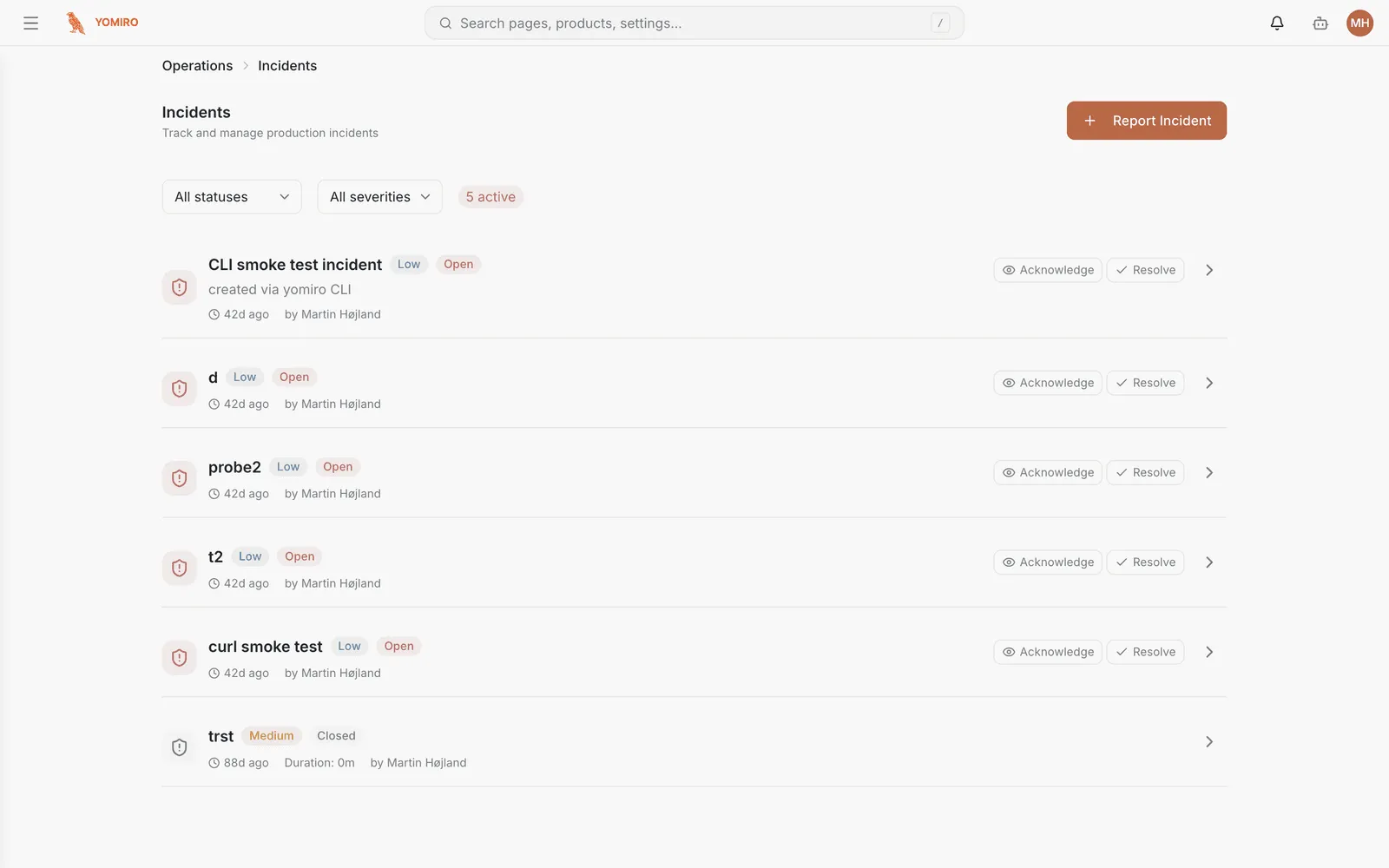
Report Incident opens the form. An incident can also arrive automatically from an alert rule that fired, so the list mixes human-raised and system-raised entries.
Severity
Section titled “Severity”| Severity | Typical meaning |
|---|---|
| Critical | Production stopped, or shipping bad product |
| High | Serious degradation, needs attention this shift |
| Medium | Real but contained |
| Low | Worth recording, not worth interrupting anyone |
Status
Section titled “Status”Incidents move through a defined lifecycle:
Open → Acknowledged → Investigating → Resolved → Closed- Open — raised, nobody has picked it up
- Acknowledged — someone has taken it
- Investigating — actively being worked
- Resolved — the problem is fixed
- Closed — the record is finished; follow-up is done
Resolved and closed are deliberately separate. Resolved means the line is running again; closed means nothing is outstanding.
Filtering
Section titled “Filtering”The list filters by severity and by status, both defaulting to all. The everyday view is status open plus acknowledged plus investigating — that is the work in front of you.
The detail page
Section titled “The detail page”Each incident has its own page holding the timeline of what happened, the severity and status history, and links to the devices and locations involved. This is where the write-up lives.
Related
Section titled “Related”- Alerts — the rules that raise incidents automatically
- Dashboard — the recent activity feed links here
- CLI › incident — review and resolve from a script