
Teams & users
Admin only.
Every member of your workspace, their role, and their access. From here you invite new people, change what someone can do, and remove members who have left.
Roles decide what a person sees. Admin-only surfaces — the Users page itself, Organization, and the Inspection Classification tab — simply do not appear for non-admins rather than appearing and refusing.
Removing a member here removes their access to the whole tenant.
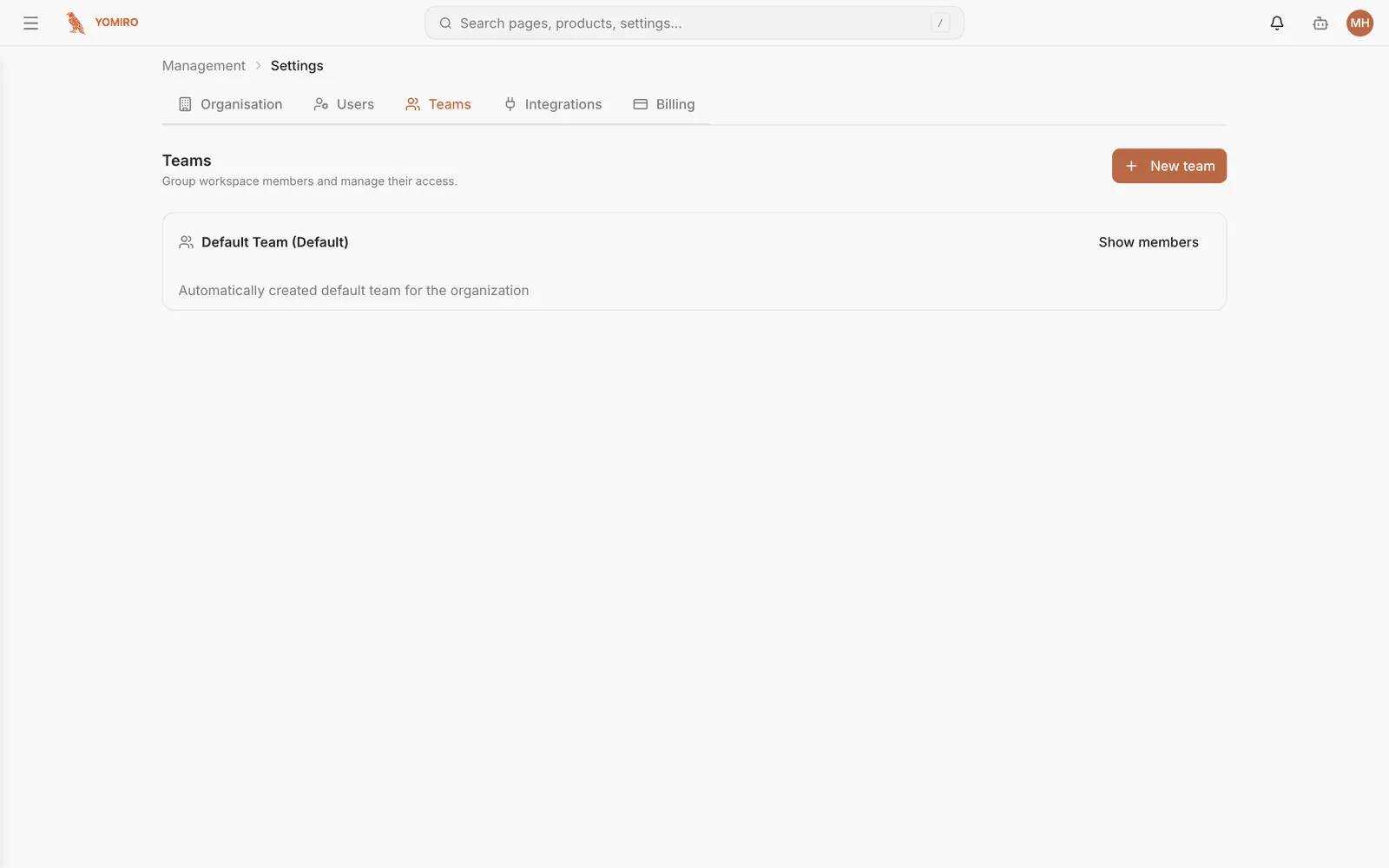
Teams group members so access is managed as a unit instead of person by person. When someone joins a line, adding them to the right team is one action rather than several.
Manage a team’s membership from its entry on the Teams page.
Choosing between them
Section titled “Choosing between them”Use users for the individual exceptions and teams for everything that follows a pattern. If you find yourself making the same three changes every time someone joins, that is a team.
Related
Section titled “Related”- Organization — settings for the tenant as a whole
- API keys — access for scripts and machines rather than people
- CLI › user, team — manage membership from a script