
Gateway & integrations
The gateway solves a specific problem: your databases are inside your network, the platform is not, and you would rather not open a firewall.
A gateway is a small daemon you run on a machine inside your network. It opens an outbound connection to Yomiro and keeps it open. Queries travel back down that connection. Nothing inbound needs to be allowed, and no database needs a public address.
Status
Section titled “Status”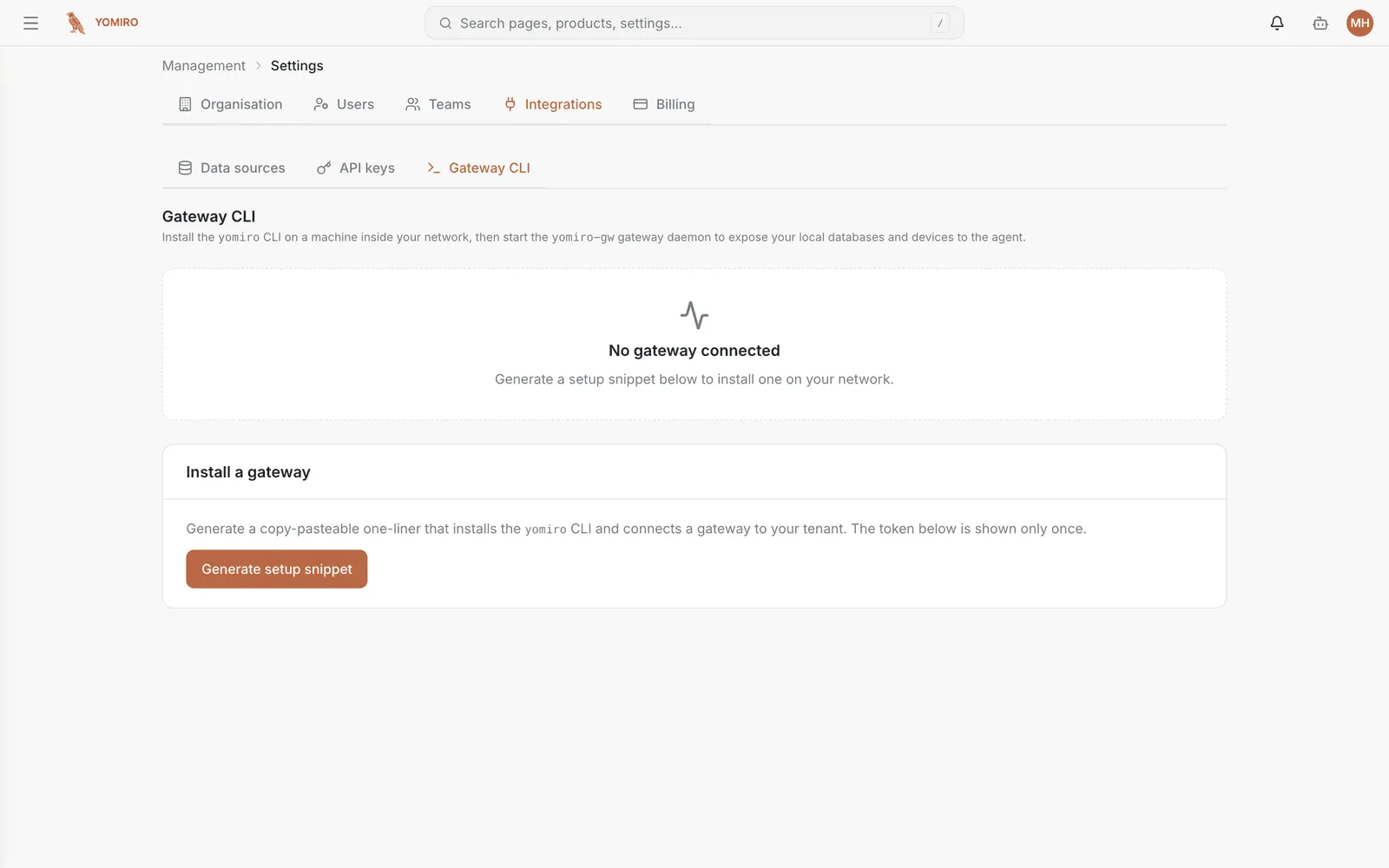
The page shows whether a gateway is currently connected for your tenant, and what it is exposing. Disconnected with everything else configured almost always means the daemon has stopped on your side — check it there first.
Installing a gateway
Section titled “Installing a gateway”Generate setup snippet mints a token and produces the three commands to run on the machine inside your network:
# 1. Installcurl -fsSL https://yomiro.io/install.sh | sh
# 2. Configure (replace <YOUR_POSTGRES_URL>)yomiro gw init --token <token> --db-url <YOUR_POSTGRES_URL>
# 3. Connectyomiro gw up
The token is embedded in the init command and shown only once. Copy the
commands before leaving the page — if you lose the token, generate another
snippet rather than hunting for it.
Revoking a gateway
Section titled “Revoking a gateway”Go to API keys and delete the entry named gateway-setup-…. The
gateway loses access immediately.
Do this when you decommission the machine, or if a token has been somewhere it should not have been.
Choosing a host
Section titled “Choosing a host”The gateway needs to reach your databases and reach the internet outbound. Beyond that it is undemanding. Put it somewhere that stays up — a jump host or a small always-on VM, not a laptop.
Related
Section titled “Related”- Data sources — registering what the gateway exposes
- API keys — where gateway tokens are managed and revoked
- Command line — the CLI the gateway is part of